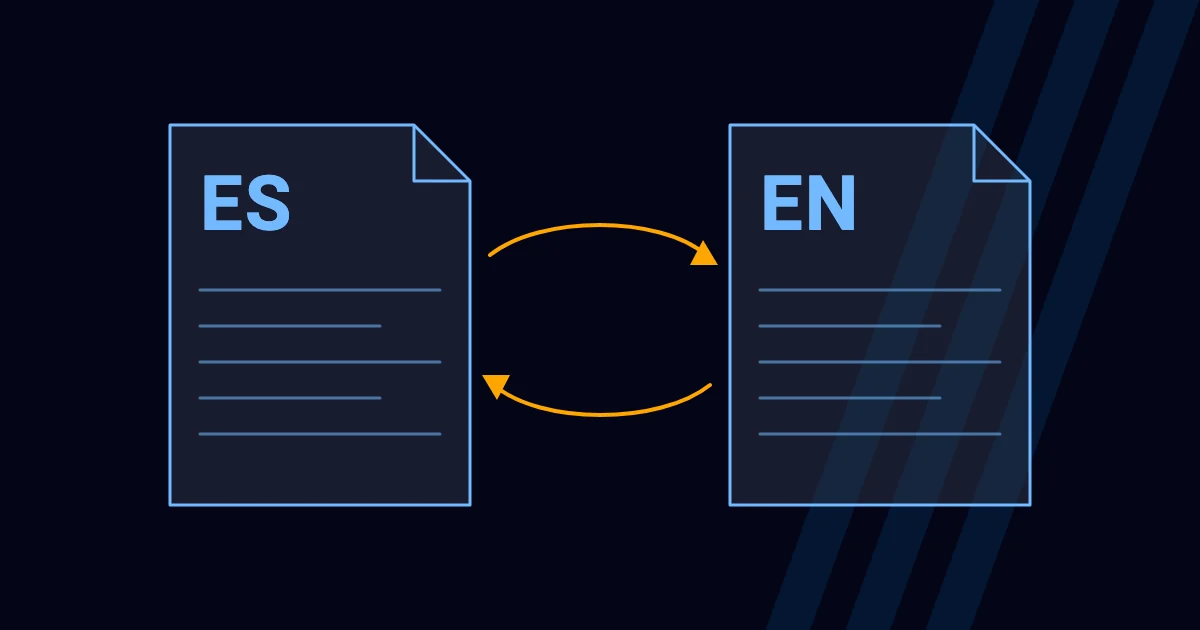
Having your site in Spanish and English opens up a market, but done halfway it confuses Google and your visitors. This is what to watch for, and it is what we apply on our own site.
1. Decide the URL structure
There are three common ways: a subdirectory per language (zzecomm.com/en/), a subdomain (en.zzecomm.com) or a separate domain per country. For most small and medium businesses, the subdirectory is the simplest to maintain: everything lives on the same domain. It’s the one we use: Spanish at the root and English in /en/.
2. Really translate, page by page
According to Google, localized versions of a page are considered duplicates only if the main content is left untranslated. Also translate what you can’t see at a glance: the title and description for search engines, URLs (slugs), image alt text, form messages, the privacy notice and terms.
3. hreflang tags
hreflang tags tell Google which version to show each person based on their language. Rules that matter:
- Each version must link to all the others and to itself, and the others must link back. If a page doesn’t return the link, Google may ignore the annotation.
- Use full URLs (with https://) that point to pages that exist and can be indexed.
- Use correct language codes (es, en; and a region if needed, like es-MX).
- Add x-default: it says which page to show when no version matches the person’s language, usually the main version or a language selector.
- Each page carries its own canonical URL, in its own language.
On our sites, the language plugin generates these tags and we check them in Search Console after launch.
4. A language selector that goes to the equivalent page
The selector should take people to the same page in the other language, not always to the home page. It helps people and creates clear links between versions.
5. Don’t force the language
Google recommends avoiding automatically redirecting people between language versions, because both people and search engines can end up not seeing all the versions. Googlebot usually crawls from the United States and without a preferred language, so if your content changes based on those settings, it may not find all the variants. It also doesn’t recommend adapting content by IP address, which is unreliable. What it does recommend: a distinct URL for each language and visible links to switch versions. If you want to suggest the other language, do it with a discreet notice, not a redirect.
Mistakes we see often
| Mistake | Consequence | How to avoid it |
|---|---|---|
| hreflang with no link back | Google ignores the annotation | Annotate all versions on every page |
| Translating only the visible text | Metadata in the wrong language, duplicates | Translate titles, descriptions and slugs |
| hreflang pointing to pages that redirect or return a 404 error | Erratic indexing | Point to the final, indexable URL |
| Wrong language codes | The annotation isn’t recognized | Validate the codes |
| A mixed sitemap | Disorderly crawling | One sitemap per language |
| A selector that always goes to the home page | A poor experience | Link to the equivalent page |
WordPress: how we do it
We use Polylang (free version) to manage languages, with separate pages and posts for each language. The English content is translated and reviewed by hand, not with live machine translation, so we control quality and metadata.
Frequently asked questions
Do I need two domains?
No. A single domain with the Spanish version at the root and English in /en/ works well for most businesses.
Does Google translate my site on its own?
It’s not something worth depending on. A version translated by you, with hreflang tags, controls what is shown.
How much does it cost to add a second language?
$150 added to the project. VAT applies only to clients in Mexico.
What if my customers speak another language?
It can be added. We work in Spanish, English and Russian.
Need your site in two languages? Tell us about your project.