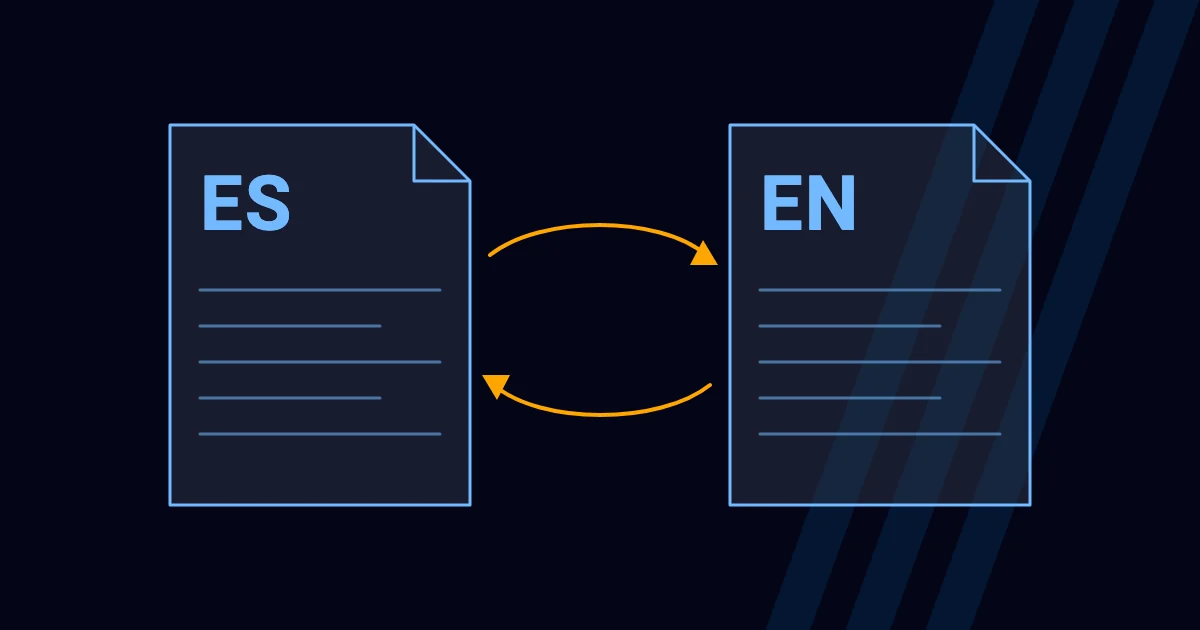
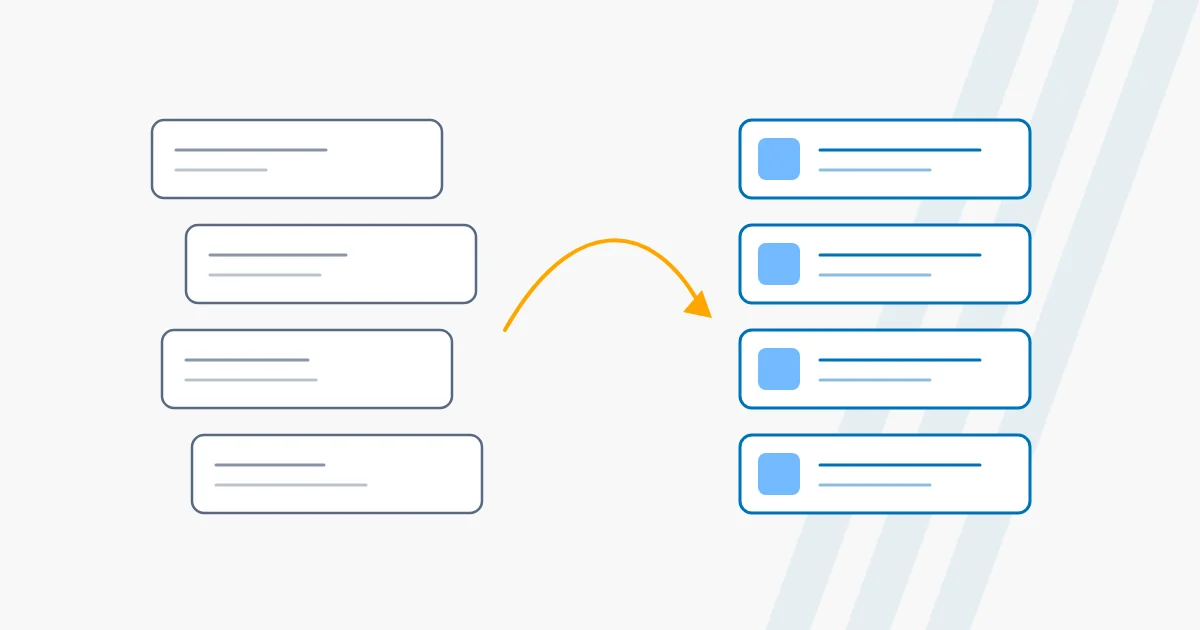
If your site is built with Elementor Pro and the renewal is coming up, it’s natural to wonder whether to keep paying or move to native WordPress blocks. We have done it on recent projects, and this is what we learned.
What happens if you don’t renew Elementor Pro
According to Elementor’s documentation, your site doesn’t go down if you don’t renew: what changes is that you can no longer update Elementor Pro, edit sites built with Pro kits, add Pro widgets or new dynamic tags, and you lose access to support. Elementor also warns that updating the free version without updating Pro can cause compatibility problems.
In other words: the site is still there, but it is frozen, and over time that becomes a security and compatibility risk.
What protects your rankings
Google separates two situations: moving a site while changing URLs, and moving it without changing them. If the domain and URLs are kept, the risk drops a lot. If any URL changes, Google’s guidance is clear: use permanent (301) redirects from the old URL to the new one, and keep in mind that these redirects don’t lose PageRank.
The steps we follow
- A full inventory: crawl the current site and list pages, URLs, titles, descriptions, images and forms.
- A full backup and a test copy hidden from search engines (with noindex) so we can work without risk.
- Keep URLs whenever possible. Changing a URL “just because” is a risk with no benefit.
- A 301 redirect map for every URL that changes, straight to the final destination with no chains.
- Carry over titles, descriptions, headings and structured data; don’t start SEO from scratch.
- Remove the noindex and check robots.txt at launch; submit the sitemap in Search Console.
- Watch for 404 errors and indexing coverage during the first weeks.
What you gain with native blocks
- Less weight: with no page builder, each page loads only the CSS and JavaScript it uses.
- No mandatory license: the block editor is part of WordPress.
- One place for design: colors, typefaces and sizes are defined in the theme; one change applies to the whole site.
- Simpler maintenance: fewer third-party pieces to update that can clash with each other.
Recent case studies
On our recent projects we migrated sites built with Elementor Pro to a custom block theme: we rebuilt them, tested them in a private environment hidden from search engines, and published them keeping the domain. You can see them in the Projects section. We don’t publish traffic figures in this article because we prefer to show them when we have a complete, verifiable comparison.
Frequently asked questions
Do I lose my content when I migrate?
No. The content is carried over. What changes is how the pages are built.
Do I have to change my domain?
No. The domain is kept; that is the most advisable choice so you don’t lose rankings.
How long does it take and how much does it cost?
It depends on the size of the site. At ZZecomm it is quoted case by case, with the scope clear from the start.
Can I stay on free Elementor?
You can, but the Pro features can no longer be edited once the license expires. It’s best to decide before it expires.
Does your site use Elementor Pro? Tell us about your case and we’ll tell you what makes sense.